Coco’s Design Archive
MenuClose
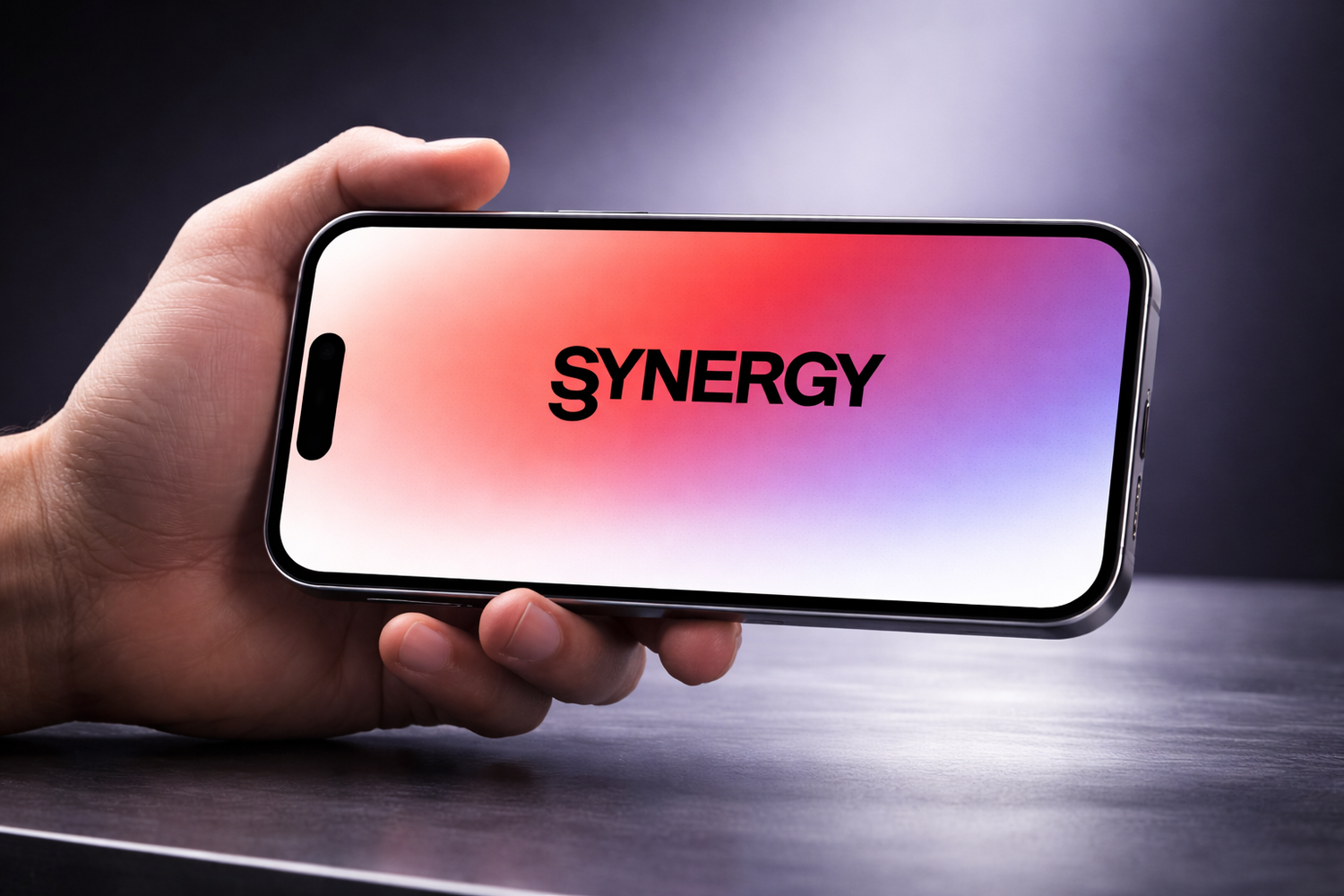
A hand holding a landscape phone displaying the Synergy wordmark on a coral, pink, and violet glow.
CROSS-DISCIPLINARY COLLABORATION · ARTCENTER

Synergy

A collaboration platform for creative students.

Helping ArtCenter students discover collaborators across majors, move from shared interests to a project, and keep the work visible to their wider creative community.

MY CONTRIBUTIONUX research · six student interviews and synthesis · journey mapping · interface design · interactive prototyping
ROLEProduct Designer & UX Researcher
CONTEXTArtCenter academic concept for cross-disciplinary student collaboration
SCOPEMobile community product spanning onboarding, profiles, work discovery, groups, discussion, messaging, and notifications
View the Figma prototype
01JOURNEY
EVIDENCE TO PRODUCT

One student journey connects the research to the interface.

The case is organized around the moment a student needs help, discovers someone outside their major, checks the fit, forms a project, and returns value to the community.

01

Need

THE PROBLEM

Students can be surrounded by creative talent and still struggle to find the right person outside their own major.

HMW

How might we make it easier for students from different majors to talk and work together on projects?

Research signal: discovery depends on chance, existing friends, or fragmented channels.

02

Discover

RESEARCH EVIDENCE

Students wanted more exposure to other majors, new ideas, and work that could spark collaboration.

DESIGN RESPONSE

Explore Work makes projects the first invitation to discover another discipline.

03

Connect

RESEARCH EVIDENCE

Students needed enough context to judge whether another person’s background, interests, and work fit the idea.

DESIGN RESPONSE

Rich profiles, tags, portfolios, saved work, and direct messaging reduce the uncertainty before reaching out.

04

Form Project

RESEARCH EVIDENCE

Students also need a structured way to find an existing group or create a new collaboration space.

DESIGN RESPONSE

Discussion supports finding groups, applying to join, creating a group, and continuing into group chat.

05

Share

RESEARCH EVIDENCE

Collaboration grows when contributions, feedback, and activity stay visible instead of disappearing into one chat.

DESIGN RESPONSE

Notifications connect messages, likes, follows, and comments back to the people and work that created them.

02RESEARCH
RESEARCH ARCHIVE

The knowledge gap was social as much as informational.

Interviews, a persona, and a competitive scan made a recurring pattern visible: students wanted cross-major connection, but lacked a shared place to discover people, understand fit, and begin together.

6 INTERVIEWS

Cross-major perspectives

Six students across creative disciplines described how difficult it was to see work beyond their major or know who to ask for a specific capability.

3 KEY INSIGHTS

What repeated

Communication across majors is hard to initiate.
Students want to know more people outside their major.
Diverse work is a source of ideas and inspiration.
PERSONA

Lee needs context before contact.

The persona brings together the need to find collaborators, understand their skills, and reduce the hesitation of a cold approach.

COMPETITIVE LANDSCAPE

Existing tools solve only part of the journey.

Communication platforms support conversation; portfolio platforms support visibility. Synergy connects both within one ArtCenter-specific collaboration context.

8 OPPORTUNITIES

From comparison to product principles

The scan translated into a focused opportunity set rather than a list of borrowed features.

01Private, real-time communication
02Profiles that show personality, skills, and work
03Personalized matching
04Privacy for the student community
05Networks that support lasting relationships
06Browse work and reach its creator
07Multi-level community communication
08Tags for identity and preferences
View the original competitive-insights board
03ARCHITECTURE
GOAL & SYSTEM

A network becomes useful when it leads to a project.

The architecture connects identity, discovery, discussion, and feedback so students can move from inspiration to a working cross-major relationship without changing systems.

RESEARCH SIGNALStudents are open to collaborating.

They want to meet students in other majors, understand their work, and learn from perspectives outside their own discipline.

MISSING BRIDGEOpportunity does not become access.

ArtCenter did not have one dedicated place for cross-major discovery, communication, and group formation.

PRODUCT GOALMake creative fit visible before contact.

Connect students through work, profiles, conversation, and groups so a shared interest can become a collaboration.

View the original goal-synthesis board
REBUILT FROM THE ORIGINAL MAP

Complete product flow

The original shared topology is rebuilt below with editable nodes, decision branches, and cross-module feedback loops. Select a task to trace one route without hiding the full system.

Jump to
ScreenActionDecisionFeedback
Launch APP
Welcome to SYNERGY
Already Sign up ?
User sign up
Your ACCD ID
Personal Profile
Selecting Tags: What is your interest?
Find the tag you like?
Type in your own tags
User login
Your ACCD ID and password
Welcome!
User Profile
About
Edit personal information
Interests
Skillset
Experience
Collection
Works
Daily Posts
Portfolio
Followers/followings
Browse
Browse other's work/portfolio
Click the works you’re interested in
Creator, descriptions, Categories’ tags
Collect
Like/Comments
Peer Recommendation
Click the profiles you’re interested in
Other Users’ Profiles
Follow
Private chat
Community
Click the posts you are interested in
Comments, Collects
Discussion
Find New Groups
Add in a group chat that might be interested to you
Fill in application
Current group chat
Group chat list
Private group chat list
Chat
Group chat
Create new group chat
Fill in Information
Notification
Private Chat
Likes
Followings/Followers
Comments
NoYesYes
53 nodes · 4 shared modules · 8 feedback relationshipsFit view · choose a module to inspect
The map begins at Launch app, branches at account access and tag selection, then routes Welcome into Profile, Browse, Discussion, and Notification. Collection, likes, comments, following, and private chat create feedback loops between discovery, profiles, and notification destinations.
View the original user-flow map
04EVOLUTION
WIREFRAMES TO PRODUCT

Fidelity increased after the information model held together.

The progression keeps the underlying flow visible: browse work and people, understand identity, join discussion, and receive feedback.

01 / LOW-FI

Map every task before polishing a screen.

Five original sketch sheets test how discovery, profiles, groups, notifications, chat, and community posting connect. They stay visible here as separate artifacts, not one tiny board.

5 original sheets4 product areasHand drawn source
01System sketch
02Profile structure
03Work and portfolio
04Feedback and chat
05Community posting
02 / MID-FI

Turn the system into a navigable product.

Sixteen individual wireframes establish hierarchy across Explore, Profile, Discussion, Groups, Chat, and Notifications. Scroll the rail to inspect the complete set.

16 original screens4-tab navigationGrayscale hierarchy
01Community feed
02Post discussion
03Groups
04Group profile
05Explore people
06Explore works
07Profile about
08Profile works
09Profile portfolio
10Post detail
11Collaborator profile
12Followers
13Notifications
14Direct chat
15Group chat
16Group request
03 / HIGH-FI

Carry the whole collaboration loop into final UI.

The complete final set returns as individual screens: work, detail, comments, people, four profile states, community, notifications, chat, group lists, conversations, requests, and creation. No summary board stands in for the system.

19 final screens5 feature familiesFigma source
01Community feed
02Post question
03Explore works
04Work detail
05Work comments
06Explore people
07Collaborator profile
08Profile about
09Profile works
10Profile collection
11Followers and followings
12Notifications
13Direct chat
14Group chats
15Group conversation
16Group profile
17Find new groups
18Group request
19Create group
05 / FINAL PRODUCT

From findinga peer toforming a group.

Five feature groups work as one collaboration loop. Students can discover creative work, understand the person behind it, begin a conversation, and move into a shared group space.

  1. 01
    Discover

    Find a collaborator through work, majors, interests, and skills.

  2. 02
    Connect

    Evaluate creative fit and begin a focused conversation.

  3. 03
    Collaborate

    Join an existing group or create a new shared space.

ORIGINAL FIGMA FRAMES · WEB PLAYBACK
Original Synergy opening animation frame

Original Figma frames are sequenced here as an automatic web playback. Pause stops the sequence; Play from start or Replay restarts it.

INTERACTIVE PRODUCT LAB

Use the product, not a presentation board.

These are native, responsive recreations of verified Figma states. The controls, lists, form fields, messages, and transitions remain editable web elements.

Filter
Mobile schedule concept
Typography poster
Illustration project
Cloud painting
Transportation design render
Industrial design sketch
Graphic poster
Abstract portrait study
DRAG LEFT / RIGHT
ORIGINAL FIGMA PROTOTYPE

Follow every connected flow.

This is the supplied Figma prototype itself, not a screenshot or a recreated hotspot layer. Choose a starting flow, then click and drag inside the player.

Loading the original interactive prototype…

Figma may request cookies or a security check inside an embed. If that appears, use “Open in Figma”; the native web demo above remains available.

TYPEFACE CONSIDERATION · COLOR SYSTEM

One spectrum, many disciplines.

This editorial reading is grounded in the repeated choices visible in the source Figma file: typography stays direct and functional, while a warm-to-cool spectrum marks identity, motion, and primary action.

#FF3500Warm entry
#F14F69Coral signal
#E55D89Pink bridge
#BD7CC6Violet shift
#639CFFCool release

The gradient begins at #FF3500, passes through coral, pink, and violet, and resolves at #639CFF. Because the interface is mostly white, black, and slate, the spectrum reads as a signal rather than a permanent backdrop.

#181818Primary ink
#545F71Primary slate
#9BA5B7Secondary slate
#EEF1F4Tertiary surface
PRODUCT TYPE SYSTEM
Aa
SwitzerSemibold 32 · Bold 24 / 16 · Regular 14

Switzer carries the product’s identity and interface hierarchy. Inter supports primary actions and utility copy; SF Pro is reserved for iOS system chrome.

SwitzerProduct hierarchy
InterActions & utility
SF ProSystem chrome
Observed in Figma · app icon / slide 13 · launch / slide 14 · interaction states / slides 15–20 + Prototype

Designing Synergy strengthened my ability to translate a social problem into a cross-disciplinary communication system. The central lesson was that discovery, trust, conversation, and project structure must reinforce one another; removing only one point of friction does not create collaboration.

01
Discovery creates relevance.

Majors, interests, and skills help students find peers beyond their usual circles.

02
Context makes connection safer.

Profiles and shared work give students enough information to begin a useful conversation.

03
Structure helps ideas move.

Group discovery and discussion turn an initial match into a place where a project can begin.